
9 best Buffer alternatives in 2026, compared by use case
Short answer: stay with Buffer if its free plan, simple queue, or new MCP server covers your needs. Choose PostQuest when your AI assistant should only draft and every scheduled post needs your explicit approval, Publer for the cheapest flexible paid plan, Metricool for analytics, and SocialPilot for agency client workflows.
By Aleksandr Samokhin · Updated . I build PostQuest, and it appears in this list. I checked every price and plan limit on official vendor pages, name the cases where another tool fits better, and accept no paid placements.
Buffer alternatives at a glance
| # | Tool | Best for | Starting price | Free option | Main tradeoff |
|---|---|---|---|---|---|
| 1 | PostQuest | Approval-first MCP publishing | $15/mo Solo; $29 Pro; $69 Agency | 7-day trial; no permanent free plan | No permanent free tier, social listening, unified inbox, white label, SSO, or CSV importer. |
| 2 | Publer | Budget-conscious creators | Free; Professional starts at $5/mo | Free plan: 1 user, limited accounts | The free plan excludes X and limits pending posts and stored history. |
| 3 | SocialPilot | Agencies and small teams | $17/mo Essentials on annual billing | 14-day trial; no free plan | Client, white-label, and migration features require higher plans. |
| 4 | Metricool | Analytics and reporting | Free and paid brand-based plans | Free plan: 1 brand | Feature access, brand counts, and some integrations depend on plan or add-on. |
| 5 | Later | Visual-first creators | $18.75/mo Starter on annual billing | 14-day trial; no free plan | Starter has one user, one social set, and 30 scheduled posts per profile each month. |
| 6 | Postiz | Developers and self-hosters | $29/mo Standard; self-hosted edition available | 7-day trial; self-hosted edition | Self-hosting adds operational responsibility, and collaboration varies by hosted tier. |
| 7 | Hootsuite | Enterprise social operations | $99/user/mo Standard on annual billing | 14-day trial; no free plan | Per-seat pricing and add-ons can make total cost high for growing teams. |
| 8 | Sprout Social | Customer care and enterprise teams | $199/seat/mo Standard | 30-day trial; no free plan | High per-seat pricing; listening and premium capabilities can require add-ons. |
| 9 | Loomly | Collaborative content calendars | $65/mo Starter or $49/mo annually | Free trial; no free plan | The jump from Starter to the larger Beyond plan is substantial. |


What Buffer does well in 2026
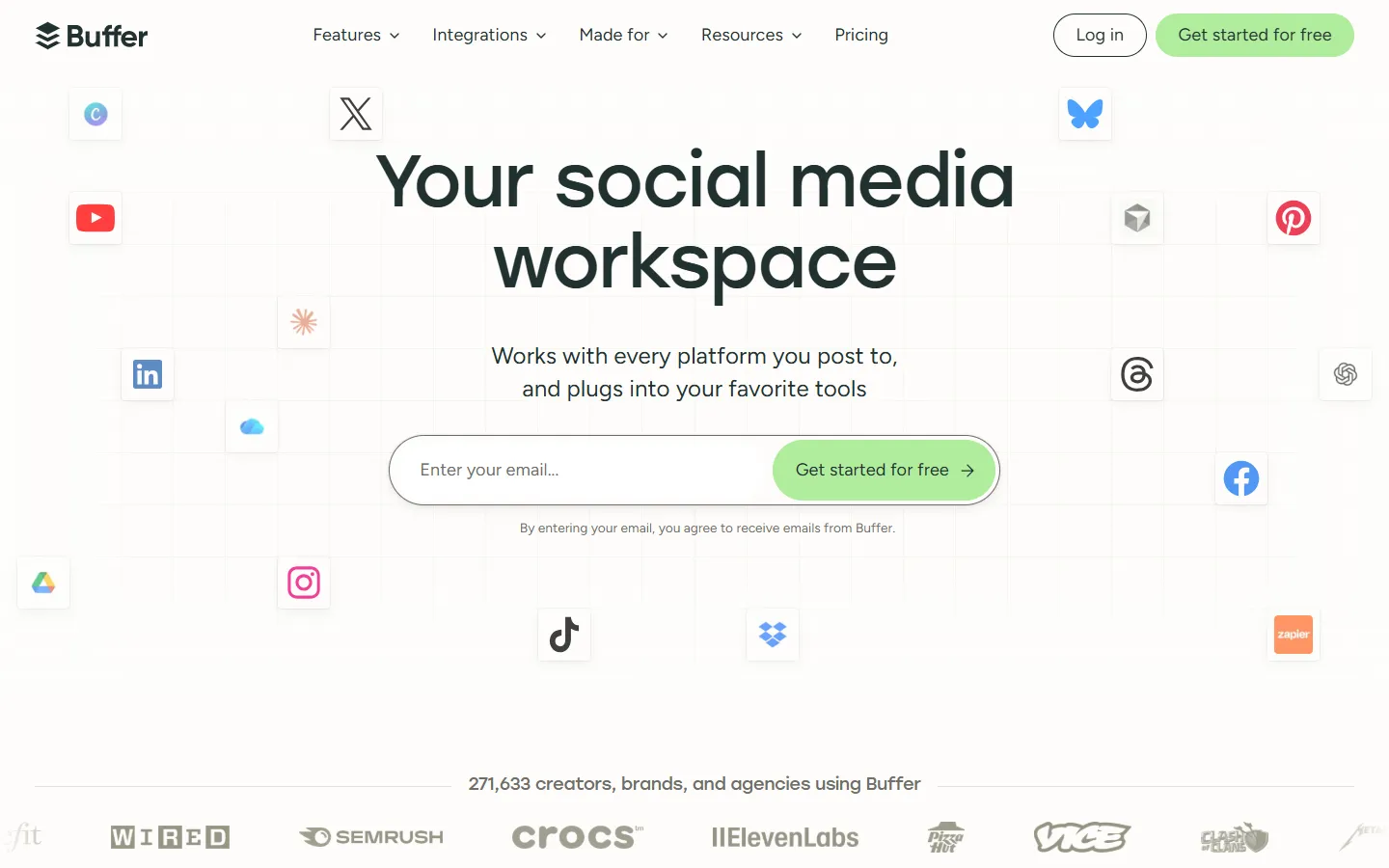
Buffer is still one of the easiest schedulers to run. The Free plan covers three channels with ten scheduled posts each, and paid plans add unlimited posts, analytics, first-comment scheduling, and API keys. In May 2026 Buffer also launched an official MCP server, included on every plan including Free, so Claude, ChatGPT, and Cursor can create posts, schedule them, and manage the queue. Buffer last updated its pricing in November 2025: Essentials and Team are billed per channel, channels beyond the tenth get a volume discount, and both paid plans start with a 14-day trial.
Buffer lists Essentials at $6 per channel monthly or $5 per channel on annual billing ($60 per channel per year), and Team at $12 monthly or $10 annually. At five channels, that is $30 monthly for Essentials or $60 for Team before annual discounts. PostQuest prices by plan instead: Solo is $15 monthly for eight connected accounts, but it has no permanent free tier.
When Buffer is still the better choice: Keep Buffer when you want a mature queue, a useful free plan for three channels, broad integrations, community engagement tools, or pricing that follows the exact number of channels you manage.
My experience testing Buffer
I tested Buffer myself before writing this guide. It is a solid tool with thoughtful features, but the interface looks confusing, and it takes time to learn where everything lives.
These are the parts I liked most:
- Post ideas with templates — Buffer suggests post ideas from ready-made prompt templates, which helps when you stare at an empty queue.
- Unanswered comments in one place — It surfaces comments you have not replied to yet, so engagement does not slip.
- Weekly goals and streaks — Posting goals and streaks make consistency visible and a little motivating.
- Best time to post — It recommends posting times so you do not have to guess when your audience is active.
- Explain the mistake your business kept repeating
Share a mistake you kept making and how you finally broke the cycle. - Pinpoint when you noticed you were playing it safe
Describe a situation that made you realize you were playing it safe and you chose to grow from there. - The fuller answer to a question you get a lot
What is the question people ask you over and over? This prompt is space for the answer you would give if you had more room than the moment usually allows.
Why people look for a Buffer alternative
- Per-channel pricing adds up — Every extra profile raises the bill. Eight channels on Team cost $96 monthly before the annual discount, which pushes growing teams toward flat account tiers.
- Approvals sit on the Team plan — Approval workflows and custom access levels require Team, so a solo operator who wants a review step pays the higher per-channel rate.
- Reporting depth — Buffer analytics cover publishing performance well, but teams that need competitor tracking, campaign dashboards, or client reports often add a second tool.
- Stricter control over AI-created posts — Buffer's MCP server lets an assistant add posts to the queue as drafts or scheduled posts. Teams that want the assistant limited to drafts, with every schedule approved by a person, look for tools that enforce that boundary.
- Self-hosting or API control — Developers who want to own the deployment or automate heavily look at open-source and API-first schedulers.
How I evaluated these tools
- Publishing workflow — Compare queues, calendars, platform-specific variations, media handling, validation, and retry visibility.
- Approvals and access — Check who can draft, approve, schedule, publish, and manage each brand or workspace.
- Channels and account limits — Count the actual profiles you need and confirm support for every required network and post type.
- Analytics and engagement — Separate publishing metrics from listening, inbox, review management, and client reporting.
- Automation and integrations — Compare APIs, MCP, webhooks, Zapier, Make, n8n, and the approval boundaries around automated actions.
- Total cost — Model accounts, channels, seats, workspaces, add-ons, billing intervals, and the operational cost of missing features.
- Migration effort — Assume OAuth reconnection and manual queue rebuilding unless an official import path is documented.
- Best-fit tradeoffs — Choose the product that serves the primary job, even when that product is not PostQuest.
1. PostQuest: best for approval-first MCP publishing

PostQuest connects ChatGPT, Claude, and Cursor to your social accounts through MCP. Buffer now offers MCP too, so the difference is control: in PostQuest the assistant creates drafts by default, validates each post against network and media rules, and cannot schedule, publish, or delete without your explicit approval. Publishing immediately also requires a workspace setting. Pricing is flat per plan rather than per channel, so eight accounts cost the same $15 on Solo as three.
- Strengths — ChatGPT, Claude, and Cursor workflows; ten networks; platform-specific captions; calendar, media, validation, and retries.
- Pricing — $15/mo Solo; $29 Pro; $69 Agency. Flat plan limits.
- Free option — 7-day trial; no permanent free plan
- Tradeoff — No permanent free tier, social listening, unified inbox, white label, SSO, or CSV importer.
2. Publer: best for budget-conscious creators

Publer is the closest like-for-like swap for Buffer users who mainly want cheaper scaling. It keeps a permanent free plan, and paid plans combine a low base price with per-account and per-member add-ons, plus bulk scheduling and unlimited scheduled posts.
- Strengths — Permanent free tier, flexible account pricing, bulk scheduling, and unlimited scheduled posts on paid plans.
- Pricing — Free; Professional starts at $5/mo. Base price plus accounts and members.
- Free option — Free plan: 1 user, limited accounts
- Tradeoff — The free plan excludes X and limits pending posts and stored history.
4. Metricool: best for analytics and reporting
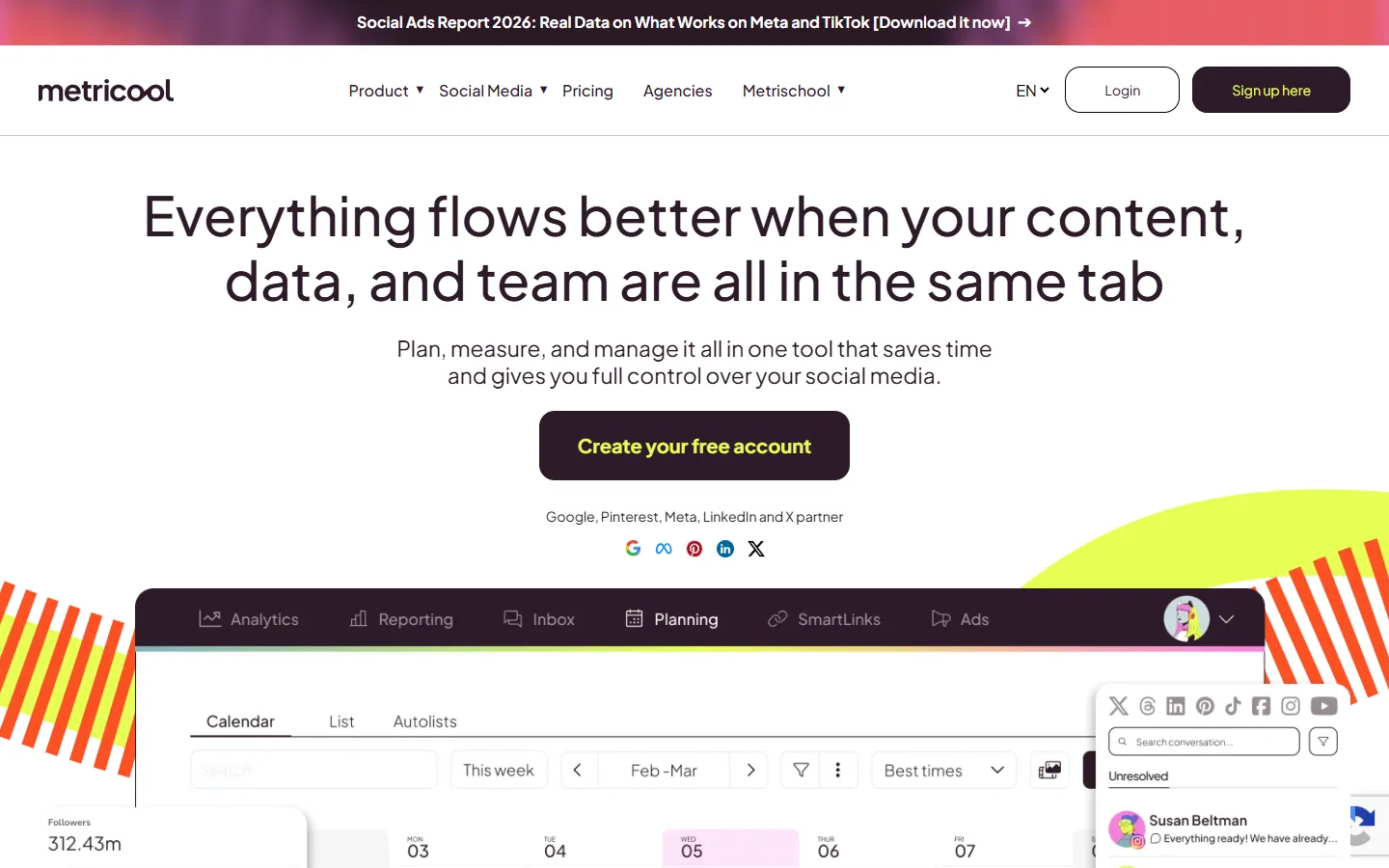
Metricool pairs publishing with the analytics Buffer users most often miss: competitor analysis, campaign dashboards, historical data, and Looker Studio reporting. Its free plan covers one brand, so you can test the reporting before paying.
- Strengths — Competitor analysis, campaign dashboards, reports, historical data, and broad publishing support.
- Pricing — Free and paid brand-based plans. Per brand tier; add-ons may apply.
- Free option — Free plan: 1 brand
- Tradeoff — Feature access, brand counts, and some integrations depend on plan or add-on.
5. Later: best for visual-first creators

Later started as a visual Instagram planner and now leads with influencer marketing for creators and brands. It remains strong for visual planning, Link in Bio, and best-time guidance, but plans are counted in social sets and users, so compare those limits with your Buffer channel count.
- Strengths — Visual planner, Link in Bio, best-time guidance, creator workflows, and approvals on Growth.
- Pricing — $18.75/mo Starter on annual billing. Social sets and users.
- Free option — 14-day trial; no free plan
- Tradeoff — Starter has one user, one social set, and 30 scheduled posts per profile each month.
6. Postiz: best for developers and self-hosters

Postiz is an open-source scheduler with a hosted service and a self-hosted edition. It offers an API, webhooks, broad channel coverage, and agent-driven scheduling, which suits developers who want control over deployment and automation.
- Strengths — API, webhooks, cross-posting, broad channel coverage, and a self-hosted deployment option.
- Pricing — $29/mo Standard; self-hosted edition available. Hosted channel tiers or self-hosting.
- Free option — 7-day trial; self-hosted edition
- Tradeoff — Self-hosting adds operational responsibility, and collaboration varies by hosted tier.
7. Hootsuite: best for enterprise social operations
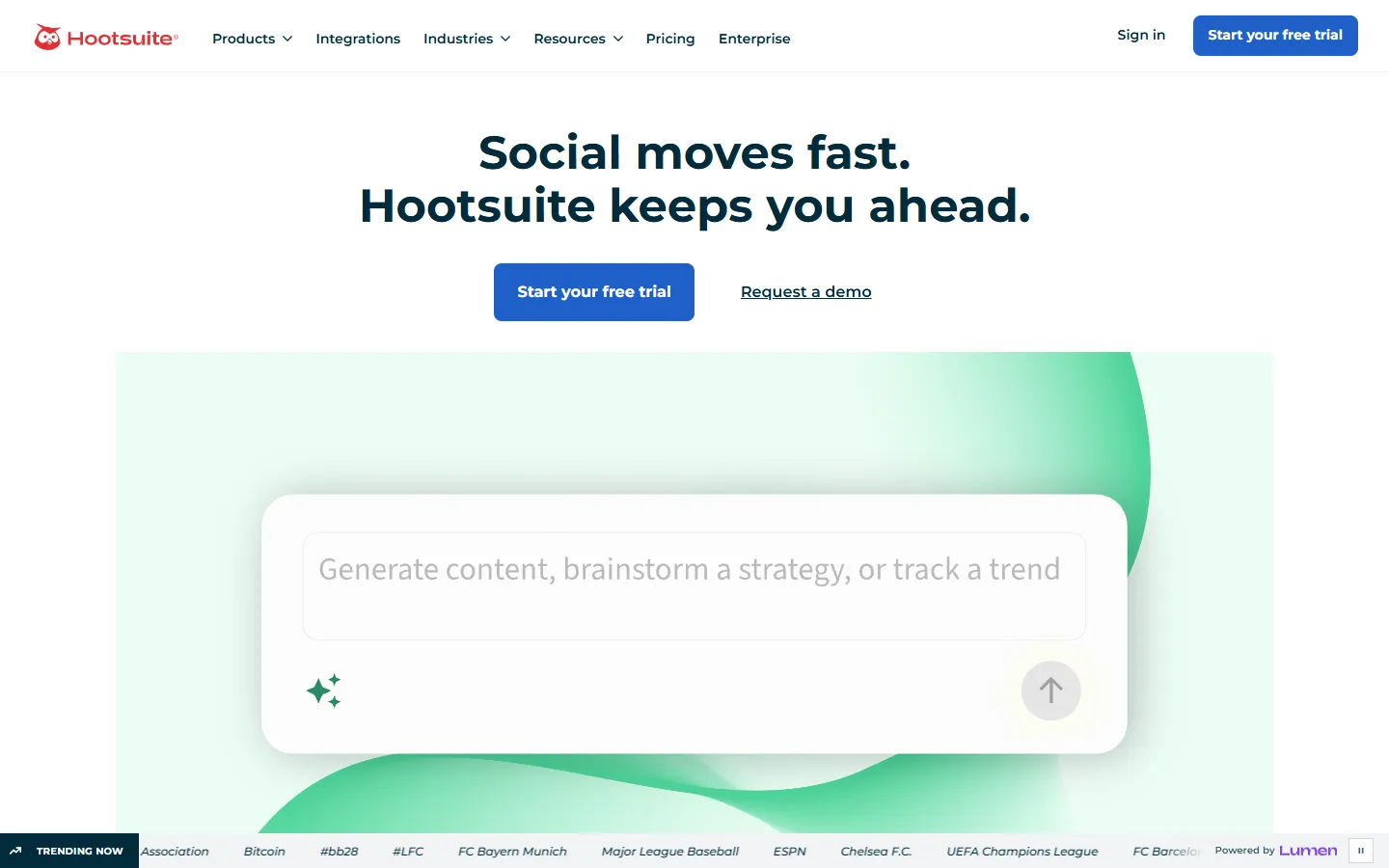
Hootsuite is the broader suite: publishing, a consolidated inbox, analytics, social listening, and governance, and since June 2026 it runs official MCP servers for content, inbox, and listening. It replaces Buffer plus several add-on tools for larger teams, but per-seat pricing starts at $99 per user monthly on annual billing.
- Strengths — Publishing, inbox, analytics, listening, governance, official MCP servers, and higher-tier approval controls.
- Pricing — $99/user/mo Standard on annual billing. Per seat; enterprise custom.
- Free option — 14-day trial; no free plan
- Tradeoff — Per-seat pricing and add-ons can make total cost high for growing teams.
8. Sprout Social: best for customer care and enterprise teams
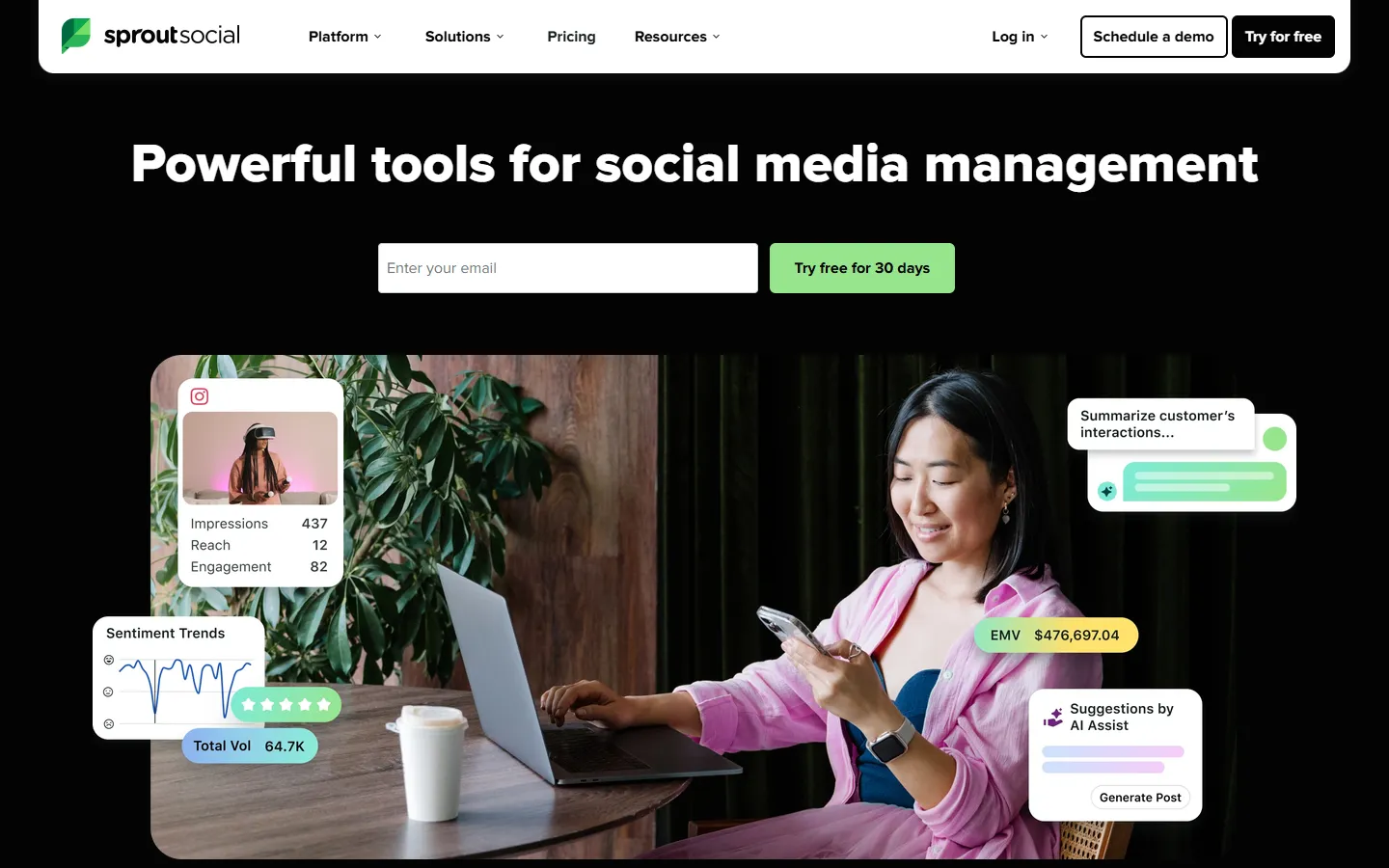
Sprout Social targets customer care and enterprise teams with a consolidated inbox, monitoring, review management, and deep reporting. It is a step up in capability and price from Buffer, starting at $199 per seat monthly.
- Strengths — Consolidated inbox, monitoring, review management, analytics, collaboration, and enterprise services.
- Pricing — $199/seat/mo Standard. Per seat; enterprise custom.
- Free option — 30-day trial; no free plan
- Tradeoff — High per-seat pricing; listening and premium capabilities can require add-ons.
9. Loomly: best for collaborative content calendars
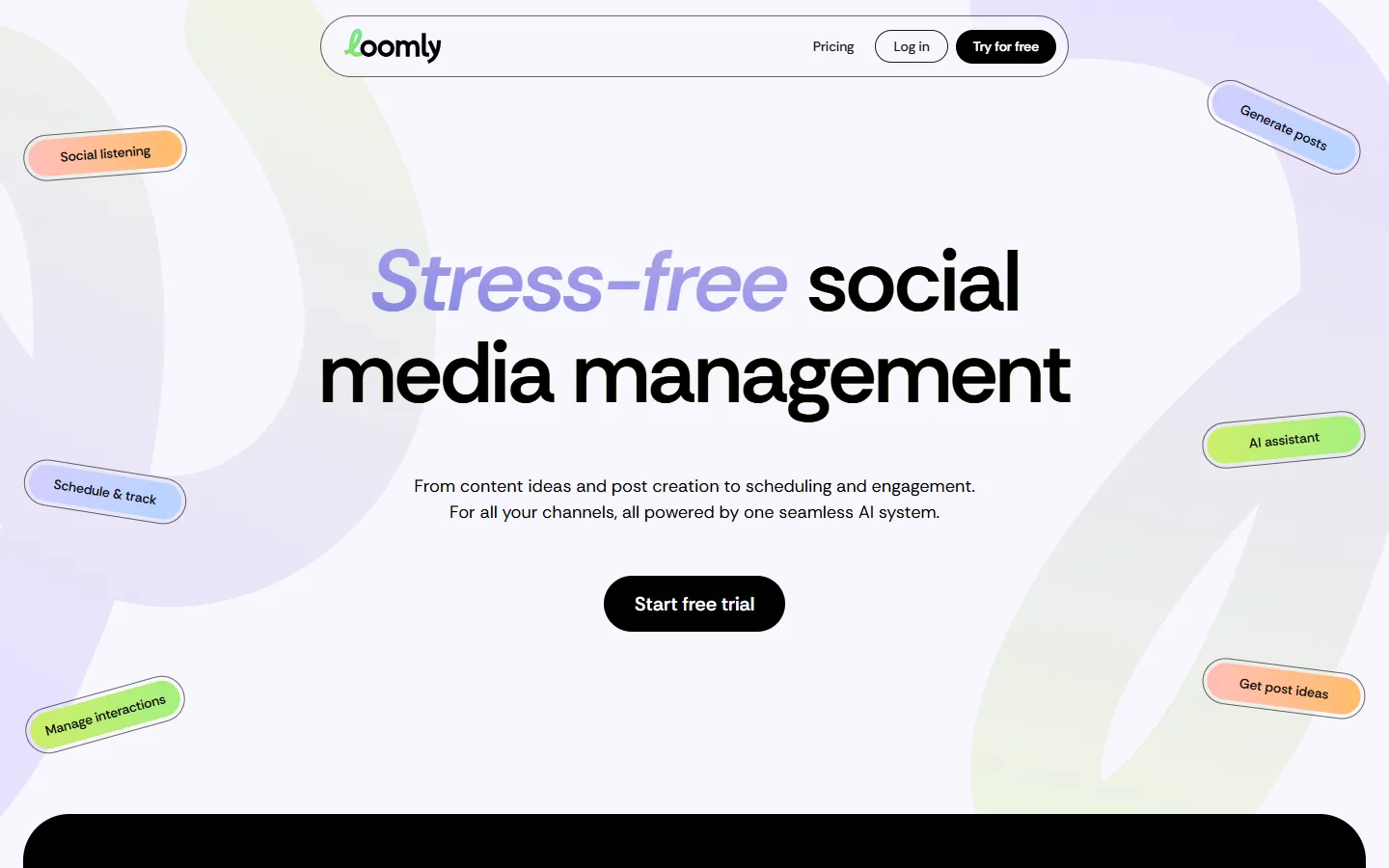
Loomly focuses on collaborative content calendars with approval workflows, roles, and an AI assistant. It suits teams whose main pain with Buffer is the review process rather than the queue itself.
- Strengths — Unlimited calendars, approval workflows, roles, analytics, and an AI assistant.
- Pricing — $65/mo Starter or $49/mo annually. Tiered accounts and users.
- Free option — Free trial; no free plan
- Tradeoff — The jump from Starter to the larger Beyond plan is substantial.
Buffer vs PostQuest: which workflow fits?
| Compare | PostQuest | Buffer |
|---|---|---|
| Best for | Approval-first MCP publishing | Simple queues and small teams |
| Starting price | $15/mo Solo; $29 Pro; $69 Agency | Free; $6/channel Essentials; $12/channel Team monthly |
| Free option | 7-day trial; no permanent free plan | Free plan: 3 channels, 10 scheduled posts each |
| Pricing model | Flat plan limits | Per channel; annual discount |
| Strongest capability | ChatGPT, Claude, and Cursor workflows; ten networks; platform-specific captions; calendar, media, validation, and retries. | Permanent free plan, mature publishing queue, MCP server and API on every plan, integrations, analytics, and Team approval workflows. |
| Main tradeoff | No permanent free tier, social listening, unified inbox, white label, SSO, or CSV importer. | Paid cost grows with the number of connected channels. |
Keep Buffer when you want a mature queue, a useful free plan for three channels, broad integrations, community engagement tools, or pricing that follows the exact number of channels you manage.
Choose PostQuest when ChatGPT, Claude, or Cursor should prepare drafts, platform variations, media, and schedules while the final publishing decision stays explicit, with flat plan pricing across ten networks.
Pricing and free-plan comparison
| Tool | Free option | Starting price | Pricing model |
|---|---|---|---|
| PostQuest | 7-day trial; no permanent free plan | $15/mo Solo; $29 Pro; $69 Agency | Flat plan limits |
| Buffer | Free plan: 3 channels, 10 scheduled posts each | Free; $6/channel Essentials; $12/channel Team monthly | Per channel; annual discount |
| Publer | Free plan: 1 user, limited accounts | Free; Professional starts at $5/mo | Base price plus accounts and members |
| SocialPilot | 14-day trial; no free plan | $17/mo Essentials on annual billing | Tiered accounts and users |
| Metricool | Free plan: 1 brand | Free and paid brand-based plans | Per brand tier; add-ons may apply |
| Later | 14-day trial; no free plan | $18.75/mo Starter on annual billing | Social sets and users |
| Postiz | 7-day trial; self-hosted edition | $29/mo Standard; self-hosted edition available | Hosted channel tiers or self-hosting |
| Hootsuite | 14-day trial; no free plan | $99/user/mo Standard on annual billing | Per seat; enterprise custom |
| Sprout Social | 30-day trial; no free plan | $199/seat/mo Standard | Per seat; enterprise custom |
| Loomly | Free trial; no free plan | $65/mo Starter or $49/mo annually | Tiered accounts and users |
Prices checked September 28, 2026 on each vendor's pricing page. Confirm the billing interval, account limits, and add-ons before you buy.
Which Buffer alternative should you choose?
- Free, straightforward scheduling: Buffer — The Free plan supports three channels and ten scheduled posts per channel.
- Free AI-assistant scheduling: Buffer — Its MCP server is included on the Free plan and connects Claude, ChatGPT, and Cursor to the queue.
- AI-assistant drafting with enforced approvals: PostQuest — MCP actions start as drafts, and scheduling, publishing, or deletion require explicit approval.
- Lowest-cost flexible paid plan: Publer — A permanent free tier and a low base price with per-account add-ons keep costs close to usage.
- Analytics-first social management: Metricool — Its product is built around reporting, competitor analysis, and campaign dashboards.
- Agency client approvals and white-label reporting: SocialPilot — Higher tiers document client approvals, reporting, and migration support.
- Self-hosting and API control: Postiz — It offers a self-hosted edition plus API and webhook workflows.
- Enterprise inbox, listening, and governance: Hootsuite or Sprout Social — Both suites cover care, monitoring, and reporting that a scheduler alone does not.
Test the move from Buffer with one workflow first
Do not reconnect every profile before you know the destination workflow works. Start with a low-risk account and one representative post.
- Inventory the current workflow — Record profiles, users, roles, approval steps, recurring slots, drafts, media, reports, and integrations.
- Export what the vendor supports — Keep reports and content records in documented formats. Do not assume another scheduler can import them.
- Reconnect with OAuth — Authorize each social account in the destination and confirm the correct profile, page, or organization.
- Rebuild and validate — Recreate queues and approvals manually unless an official importer is documented, then test one low-risk post per network.
FAQs about Buffer alternatives
What is the best Buffer alternative?
It depends on why you are leaving. PostQuest is best for AI-assistant drafting with enforced approval, Publer for low-cost flexible pricing, Metricool for analytics, SocialPilot for agencies, and Postiz for self-hosting. If none of those reasons apply, Buffer is probably still the right tool.
Is there a free alternative to Buffer?
Yes. Publer and Metricool both offer permanent free plans, and Postiz has a self-hosted edition. PostQuest, SocialPilot, Later, Hootsuite, Sprout Social, and Loomly offer trials rather than free plans.
What is the cheapest Buffer alternative?
Publer usually has the lowest paid entry point, with Professional starting at $5 per month plus account add-ons. For eight or more channels, flat plans such as PostQuest Solo at $15 monthly can cost less than Buffer's per-channel pricing.
Why is Buffer getting expensive?
Buffer charges per connected channel, so costs grow with every profile. Approvals and custom access levels also require the Team plan at $12 per channel monthly, or $10 on annual billing.
Can I import my Buffer queue into another scheduler?
Assume you cannot. Most schedulers, including PostQuest, require you to reconnect accounts with OAuth and rebuild queues manually unless the vendor documents an official importer. Test one account before moving everything.
Does Buffer work with ChatGPT or Claude?
Yes. Since May 2026 Buffer has an official MCP server on every plan, including Free, that lets Claude, ChatGPT, Cursor, and other MCP clients create and schedule posts. PostQuest, Hootsuite, and Postiz also offer MCP. PostQuest differs by keeping AI actions as drafts until you explicitly approve scheduling or publishing.
Is Buffer or Hootsuite better for small teams?
Buffer is simpler and far cheaper for small teams that mainly schedule posts. Hootsuite makes sense when you also need listening, a consolidated inbox, and governance, which justify its per-seat pricing.
Final verdict
There is no universal Buffer replacement. If Buffer's free plan or queue still works, keep it. Switch when a specific constraint appears: per-channel cost, approvals, analytics, client work, self-hosting, or stricter control over what an AI assistant may publish. Then pick the tool built for that constraint and test it with one real account before moving the rest.
Claims you can check
I reviewed official pricing and product pages, then compared publishing workflow, approvals, account economics, analytics, integrations, and migration effort. I build PostQuest myself, so its capabilities come straight from the product. Screenshots show each vendor's public website as captured on September 28, 2026.
I do not use affiliate payouts, fabricated ratings, anonymous switching claims, or unverified migration promises.
Related comparison guides
- PostQuestvs.Later
Later alternative
Later is designed around visual planning, creator workflows, and Link in Bio. Alternatives become relevant when teams need a different channel mix, flatter account pricing, deeper analytics, self-hosting, or conversational automation.
Read comparison - PostQuestvs.Metricool
Metricool alternative
Metricool combines publishing with broad analytics and reporting. Teams usually look elsewhere when they want a simpler publishing tool, a different pricing model, enterprise care features, or an open-source workflow.
Read comparison - PostQuestvs.Hootsuite
Hootsuite alternative
Hootsuite covers publishing, analytics, engagement, and enterprise governance. Alternatives make sense when a team needs lower total cost, a narrower publishing workflow, different analytics, or self-hosted automation.
Read comparison
3. SocialPilot: best for agencies and small teams
SocialPilot bundles accounts and users into clear tiers instead of charging per channel. Client approvals, bulk scheduling, and white-label reporting on higher tiers make it the stronger pick when you manage social media for clients.
Check SocialPilot pricing